123audio logo123audio

Free Audio To Text Converter

Convert any audio into accurate text with AI. Transcribe MP3, WAV, M4A and more into editable text with timestamps, speaker labels, subtitles, and AI summaries, all online and no sign-up required.

99% Transcription Accuracy
30+ Supports Formats
90+ Supports Languages
2 Mins For 1-Hour Audio
Upload Your FileOr drag and drop files hereSupports all major audio formats including MP3, WAV, M4A, and FLAC.
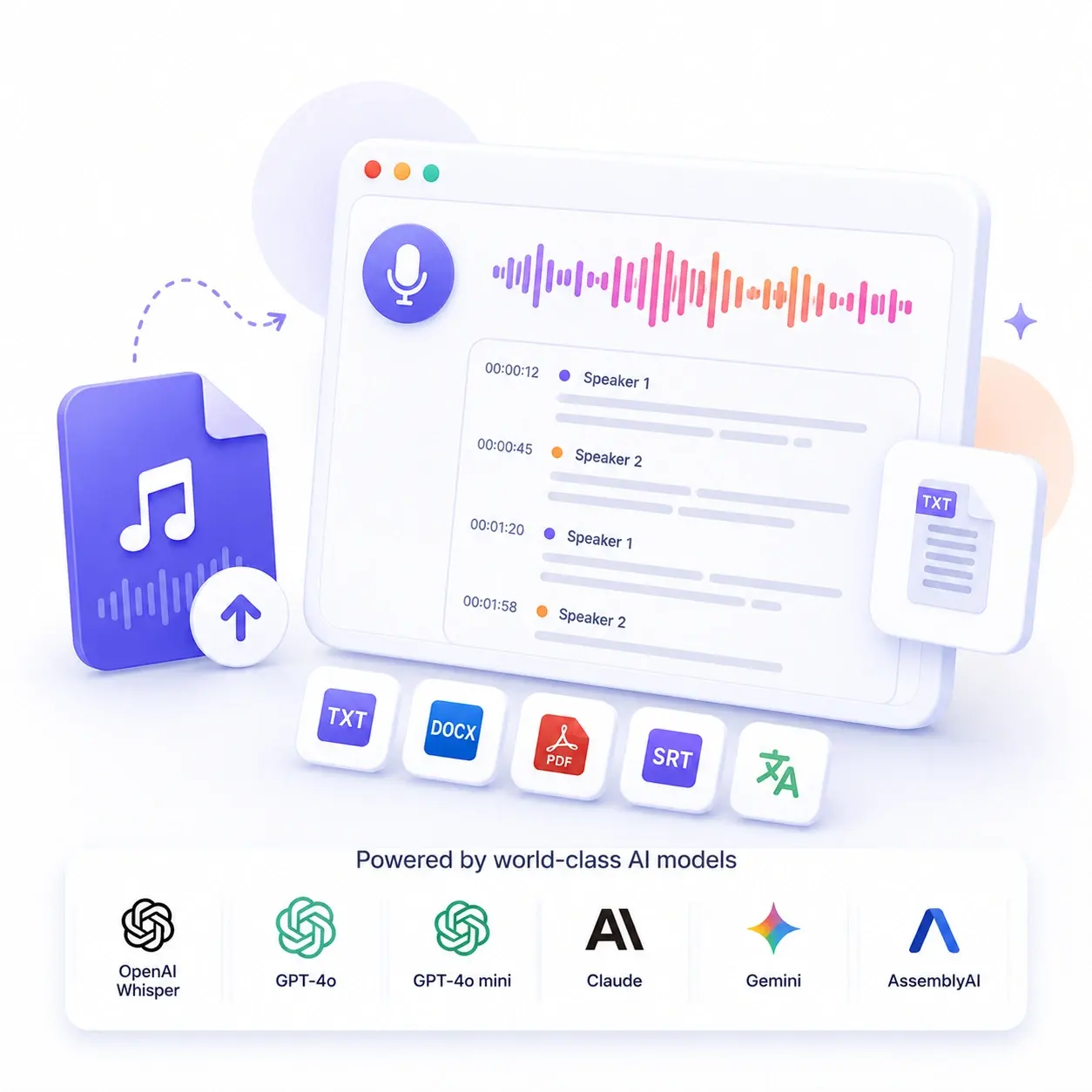
AI audio to text converter turning speech recordings into editable transcripts

Convert Audio To Text Online

An audio to text converter is an online tool that turns spoken words from recordings, videos, voice memos, meetings, lectures, podcasts, and interviews into editable text. 123audio uses AI speech recognition to create accurate transcripts with timestamps, speaker labels, subtitles, summaries, translations, and export-ready files.

This is useful when reading, searching, or sharing a transcript is faster than replaying the original audio. Instead of scrubbing through long recordings, you can copy key quotes, summarize important points, find specific moments by timestamp, and turn spoken content into reusable notes, captions, documents, or content drafts.

Supported Audio Formats

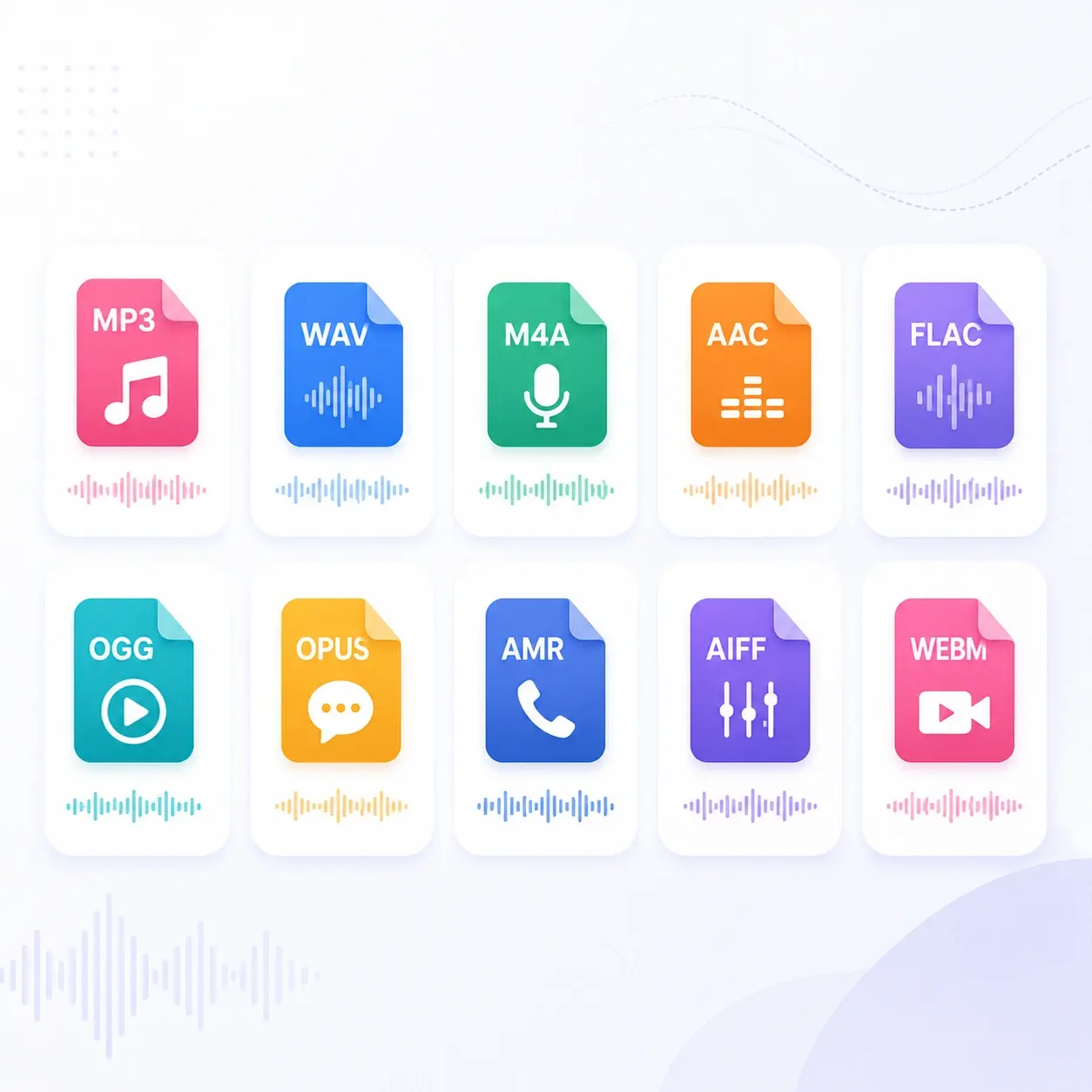
Upload common audio and video formats, then convert speech into a searchable transcript.

Supported audio formats for online speech to text transcription

Why Use 123audio?

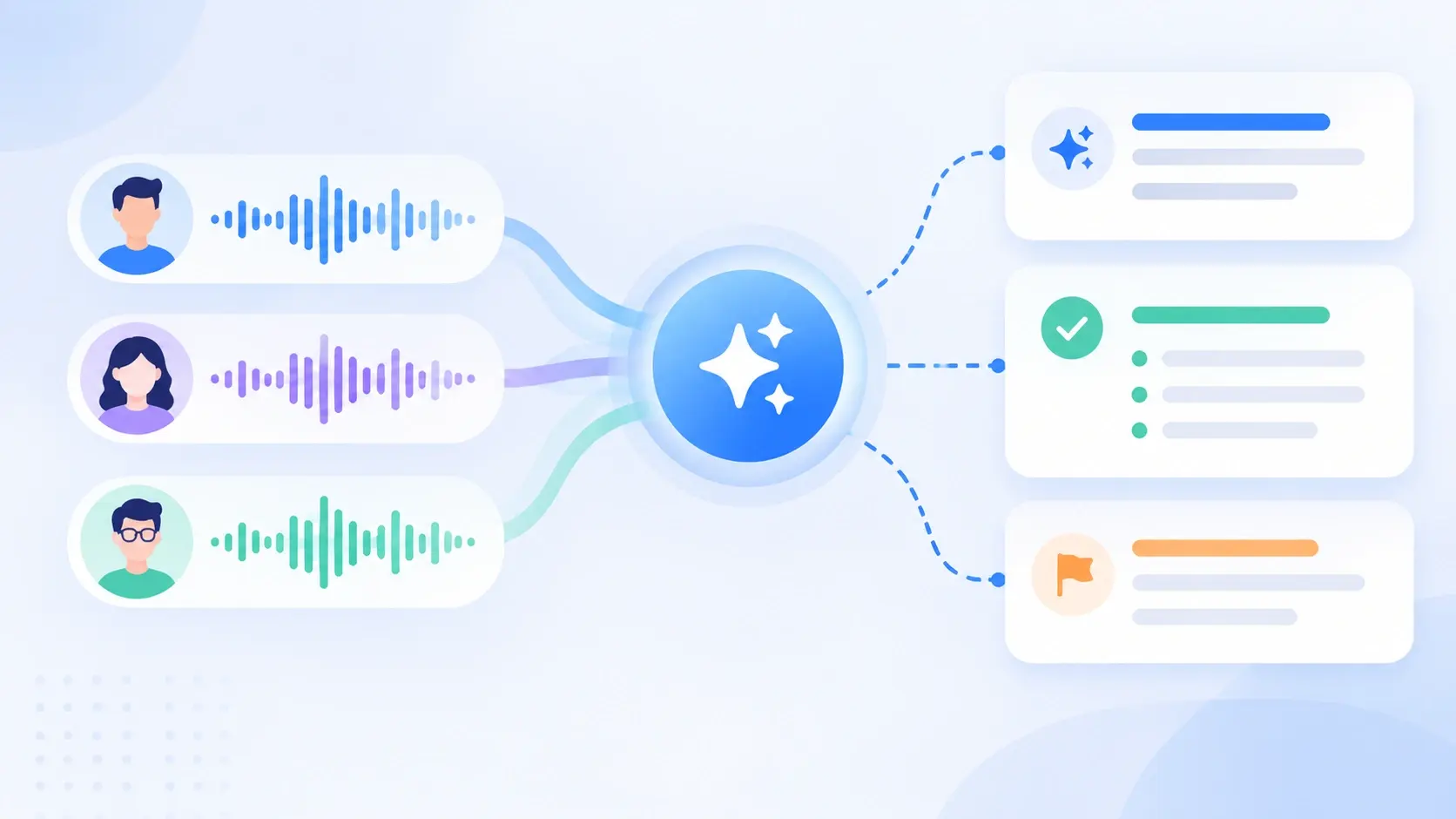
AI-powered summaries generated from multiple audio speakers

Advanced Technology

AI-Powered Summaries

Generate structured summaries from any audio or video file. 123audio turns long recordings into clear key points, meeting decisions, action items, and reusable notes, so you can understand hours of content in minutes without replaying the entire recording.

Try AI Transcription
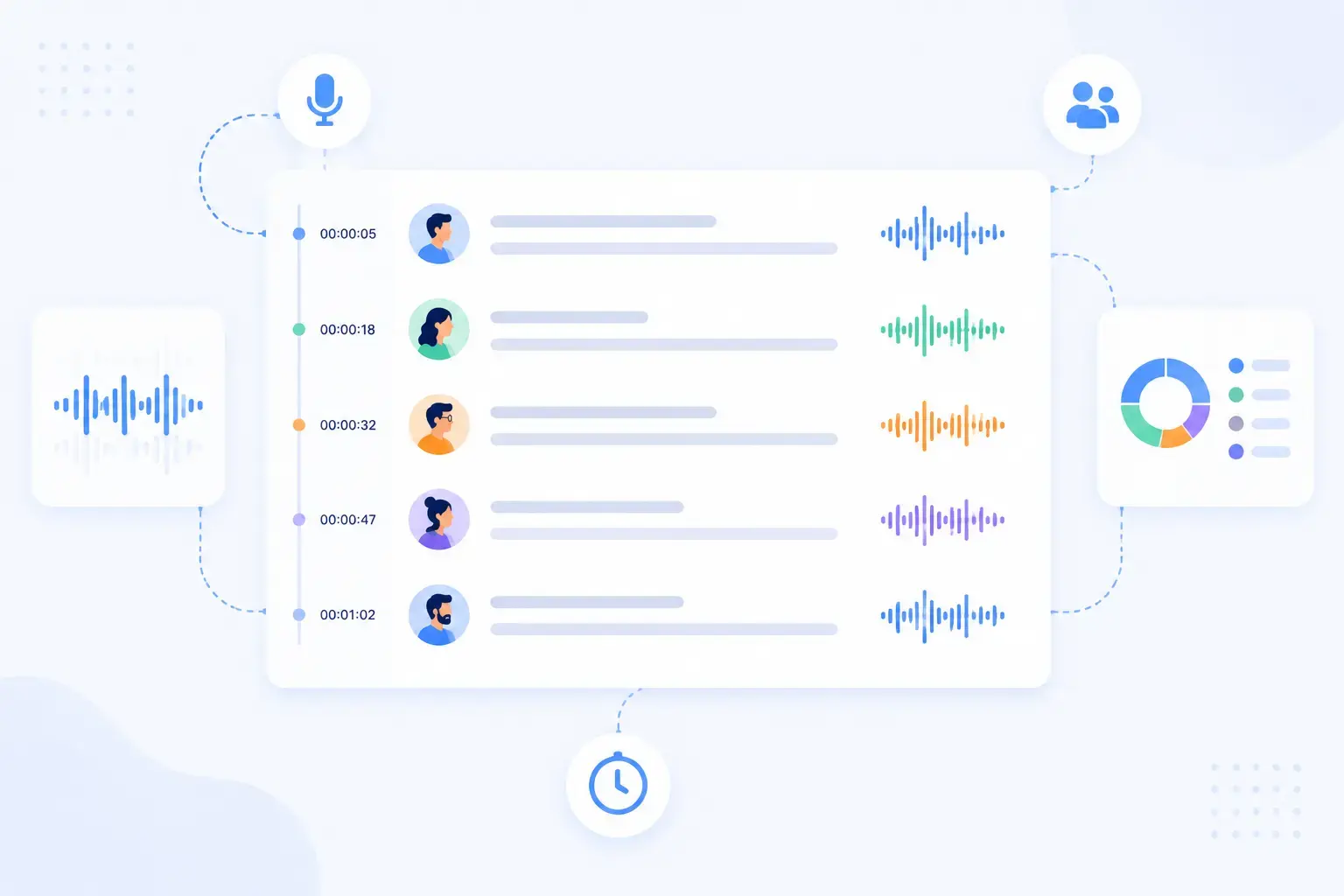
Automatic speaker diarization with labeled speaker transcript rows

Smart Recognition

Automatic Speaker Diarization

Know exactly who said what. 123audio automatically detects different speakers, labels each voice, and adds precise timestamps to your transcript, making meetings, interviews, podcasts, and panel discussions easier to read, search, and reference.

Detect Speakers Now
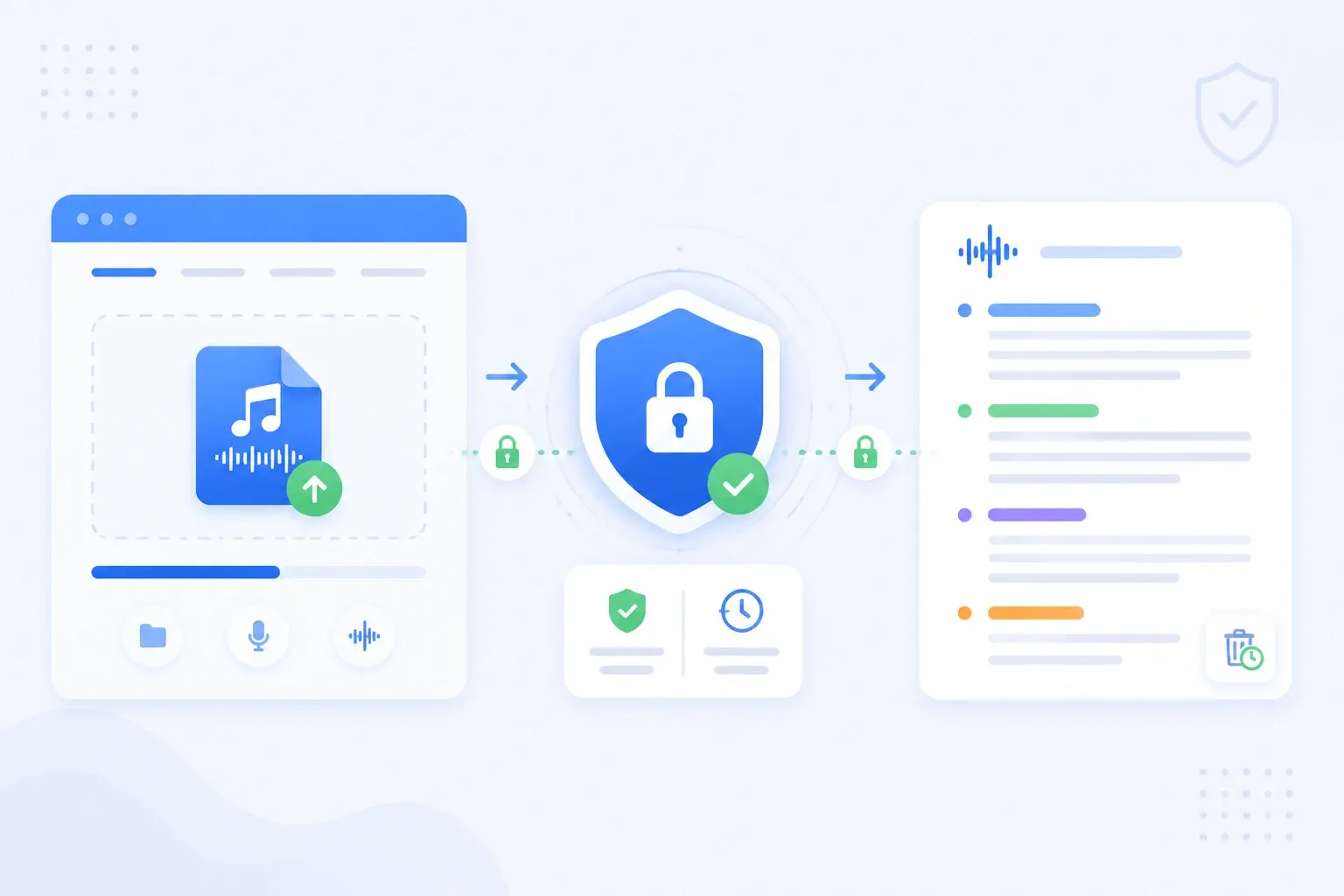
Private secure audio transcription workflow with encrypted upload

Fast & Secure

Private, No-Sign-Up Transcription

Start transcribing instantly without installing software or creating an account. Your uploads are encrypted, processed securely, and automatically deleted within 7 days, so you can convert audio to text quickly while keeping sensitive recordings private.

Start Transcribing Free

Key Transcription Features

Transcribe Audio To Text For Free

Convert MP3, WAV, and M4A files to text instantly without spending a dime. No hidden fees or registration blocks.

AI-Powered Accuracy

Powered by the latest AI speech recognition models to ensure up to 99% accuracy, complete with speaker detection and precise timestamps.

Turn Audio Into Knowledge

Do not just stop at transcripts. Click our on-demand AI cards to generate summaries, action items, or Twitter threads directly from your audio.

Speakers & Timestamps

Automatic speaker labels and segment timestamps make every transcript easy to read, search, and reference.

Private By Default

Uploads are encrypted and audio is deleted within 7 days. Your files are never used to train AI models.

Export Anywhere

Download your transcript as TXT, DOCX, PDF, or SRT/VTT subtitles, ready for documents, blogs, video captions, and repurposed content.

How To Convert Audio To Text

01

Upload Audio Or Paste A Link

Drag in an MP3, WAV, M4A, or MP4 file, paste a YouTube URL, or record from your mic.

02

AI Transcribes In Seconds

Speech recognition converts your audio to text with punctuation, speaker labels, and timestamps.

03

Edit & Export

Review in the editor, copy the text, or export to TXT, DOCX, PDF, or SRT, then run AI on it.

Who 123audio Is For

Business team meeting in a bright office discussing transcript notes around a laptop

Business Teams

Turn meetings, calls, demos, and voice memos into searchable notes when decisions, follow-ups, or customer feedback need to be captured accurately. Speaker labels and timestamps make it easier to review who said what after the call.

Student studying with headphones while taking notes beside a laptop in a library

Students & Educators

Convert lectures, seminars, classes, and study recordings into readable notes when you need to review material faster, search for key concepts, or summarize long lessons before exams and assignments.

Journalist or researcher reviewing interview notes beside a laptop, camera, and microphone

Journalists & Researchers

Turn interviews, field recordings, and research conversations into accurate transcripts for articles, reports, and documentation. Searchable text helps you verify quotes, revisit important moments, and organize source material.

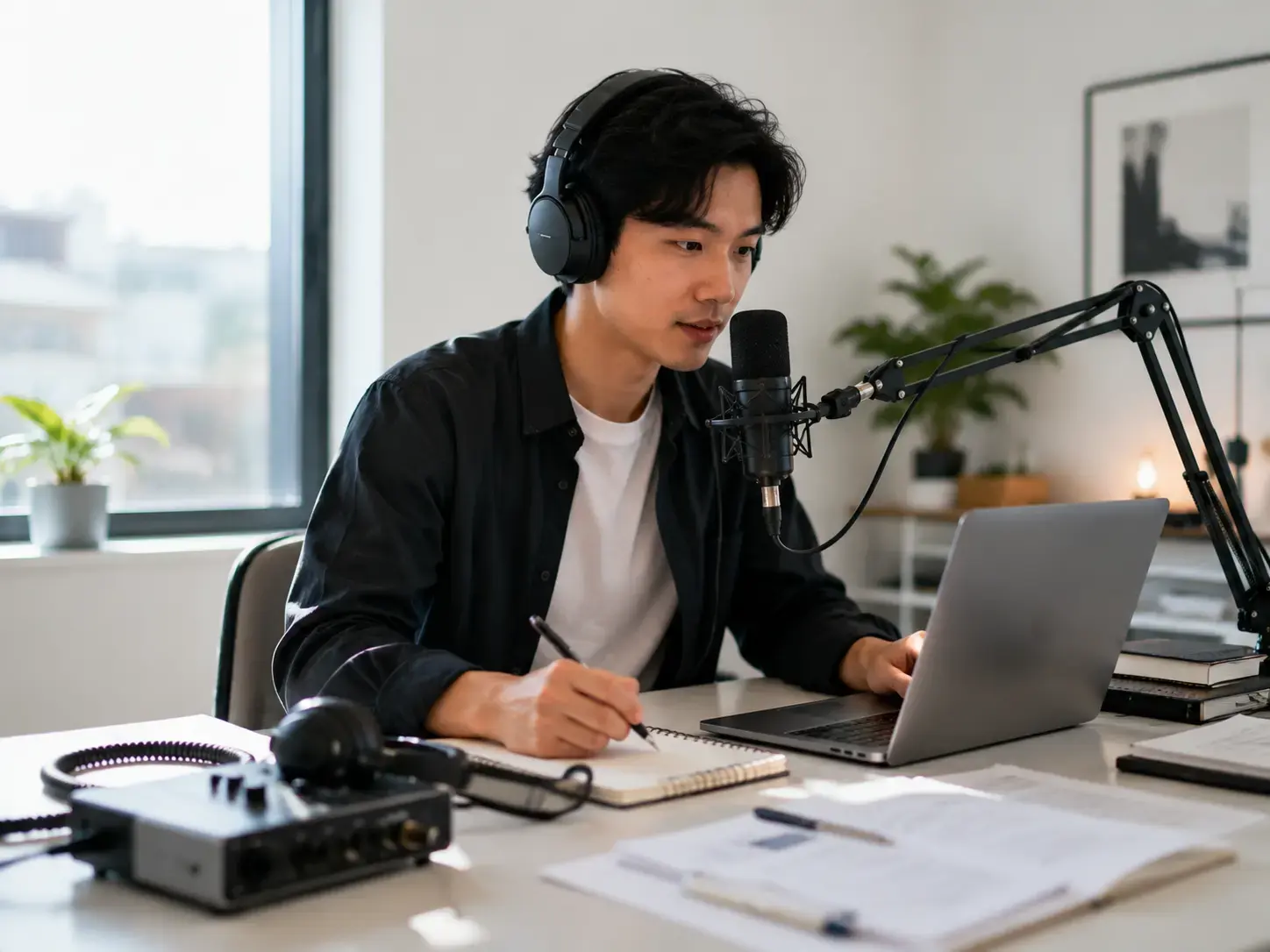
Podcast creator recording and editing content beside a microphone and laptop

Creators & Podcasters

Create transcripts, subtitles, show notes, summaries, blog posts, newsletters, and social clips from audio or video. A clean transcript gives you reusable material for captions, SEO content, and audience accessibility.

Tips For Better Transcription Results

Clear audio produces clearer transcripts.Record in a quiet place, keep speakers close to the mic, and reduce echo or overlapping voices.Upload the highest-quality file you have instead of a heavily compressed copy.

Use Clean Source Files

MP3, WAV, M4A, MP4, and WEBM files usually work well, but clearer recordings help the AI preserve names, numbers, technical terms, and punctuation more accurately.

Separate Speakers Clearly

Speaker labels are easier to generate when each person speaks clearly and avoids talking over others. This matters most for interviews, meetings, panels, and group discussions.

Review Before Exporting

After transcription, scan proper nouns, timestamps, and specialized vocabulary before downloading TXT, DOCX, PDF, SRT, or VTT files for publishing or sharing.

Frequently Asked Questions

Yes. You can transcribe audio to text for free with no credit card required. The free plan covers short files and one AI summary per month; paid plans unlock longer files, more AI features, and DOCX/PDF/SRT exports.

Turn Any Audio Into Text In Seconds

Upload a recording and get an accurate, exportable transcript instantly. It is free, private, and requires no installation.

Start Transcribing Free